
A donor gives $500 through your online giving page, but your email platform still lists them as “unengaged” and your CRM shows two duplicate records for the same person. This is what happens when you fail to fix data silos between CRM and fundraising software: gifts go untracked, thank-yous get missed, and reporting to your board becomes guesswork. The fix isn’t a new tool. It’s a clear audit, deduplication process, and one connected system like HubSpot to serve as your source of truth.
Key Takeaways
- Three tools, one donor: Most nonprofits run separate CRM, email, and fundraising/giving platforms that never fully sync, creating conflicting donor histories.
- Duplicates are the #1 symptom: Organizations with disconnected systems typically find 8-15% of donor records duplicated when they run a real audit.
- HubSpot can serve as the hub: Native and app-marketplace integrations let HubSpot pull fundraising and giving data into one contact timeline.
- Cleanup takes weeks, not months: A focused audit and merge project for a small-to-midsize nonprofit typically runs 3-6 weeks with the right process.
- Budget scales with data volume: Integration cost depends more on the number of systems and record volume than on organization size alone.
Quick-Facts Summary
| Factor | Typical Range or Detail |
|---|---|
| Time to complete an audit | 1-2 weeks for a stack of 3-5 tools |
| Time to deduplicate donor records | 2-4 weeks depending on database size |
| Common duplicate rate found | 8-15% of total contact records |
| Integration setup (native connector) | 1-2 weeks |
| Integration setup (custom API sync) | 4-8 weeks |
| Typical project budget range | Varies by data volume and number of systems; ask for a scoped quote |
| Recommended re-audit frequency | Every 12 months or after adding a new tool |

What Causes Data Silos Between CRM and Fundraising Software
Data silos rarely happen on purpose. They build up over years as a nonprofit adds tools to solve one problem at a time. A development team picks a fundraising platform for online giving. Marketing adopts a separate email tool because it’s cheaper. Someone in finance keeps a spreadsheet of major donor pledges because “that’s just how we’ve always done it.” None of these systems were built to talk to each other from day one.
The most common root causes we see across nonprofit clients include:
- Vendor sprawl: Separate logins for CRM, email marketing, event registration, and online giving, each with its own donor record.
- No shared data dictionary: One system calls it “Donor Type,” another calls it “Segment,” and neither maps to the same values.
- Manual CSV workarounds: Staff export lists from one tool and upload them into another, introducing typos and stale data with every transfer.
- Staff turnover: The person who understood how the systems connected leaves, and the workaround process leaves with them.
If any of this sounds familiar, you’re not alone. It’s one of the most common issues we help nonprofits, associations, and faith-based organizations solve, and it’s closely related to the setup work covered in our guide on how to set up HubSpot CRM for nonprofit donor tracking.
Why Disconnected Donor Data Is Costing Your Organization
Data silos aren’t just an IT annoyance. They have a direct dollar cost. A donor who gets asked for the same gift twice in one month, once by email and once by a phone volunteer working from a printed list, is less likely to give again. A major donor who quietly upgraded their giving through an event platform but never shows up in your CRM might get skipped in your next cultivation cycle entirely.
Beyond the donor experience, silos create reporting problems. When your board asks for year-over-year retention numbers, your team ends up manually reconciling exports from three systems instead of pulling one clean report. That process can eat days of staff time every quarter, time that should go toward donor relationships instead of spreadsheet gymnastics.
Nonprofits that unify their CRM and fundraising data typically cut donor reporting prep time by more than half, simply because staff stop rebuilding the same report from scratch in three different tools.
There’s also a compliance angle. Many grantors and state charity regulators expect consistent, auditable donor and gift records. Disconnected systems make it harder to prove where a restricted gift went or confirm a donor’s giving history for a grant report.
1. Audit Your Current Tool Stack
Before you fix anything, you need a full map of what you’re working with. Start by listing every platform that touches donor or supporter data: your CRM, email service provider, online giving page, event registration tool, peer-to-peer fundraising app, and any spreadsheets that quietly function as a database.
For each tool, document:
- What data lives in it (contact info, gift history, event attendance, communication preferences)
- Who has access and who owns the vendor relationship
- How data gets in and out today (manual export, native integration, or nothing at all)
- How often that data is updated
We’ve worked with Kansas City-area nonprofits that had added a new fundraising tool almost every year for a decade without ever retiring the old ones. The result was donor records scattered across five different systems, with no one on staff sure which one held the “real” gift history. An honest audit, even a rough one done in a shared spreadsheet, usually reveals redundant tools you’re paying for twice and gaps no one noticed.
2. Identify and Eliminate Duplicate Donor Records
Once you know what’s in your stack, the next step is finding where the same donor exists in multiple places, or multiple times in the same system. Duplicates usually come from inconsistent data entry: “Bob Smith,” “Robert Smith,” and “R. Smith” might all be the same person entered through three different forms.
A practical deduplication process looks like this:
- Set matching rules: Match on email address first, then name plus mailing address or phone number as a backup.
- Run a dedupe tool: HubSpot’s native duplicate management tools can automatically flag likely matches across large contact databases.
- Review before merging: Automated merges can be right most of the time, but a human should confirm gift history and notes survive the merge intact.
- Preserve the full timeline: When merging, make sure all past gifts, event attendance, and communication history roll into the surviving record. Losing gift history during a merge is worse than the duplicate itself.
Going forward, set data entry standards: require email as a unique identifier on every form, standardize name formatting, and limit who can create new contact records manually. This single step prevents the problem from recurring six months after your cleanup project ends.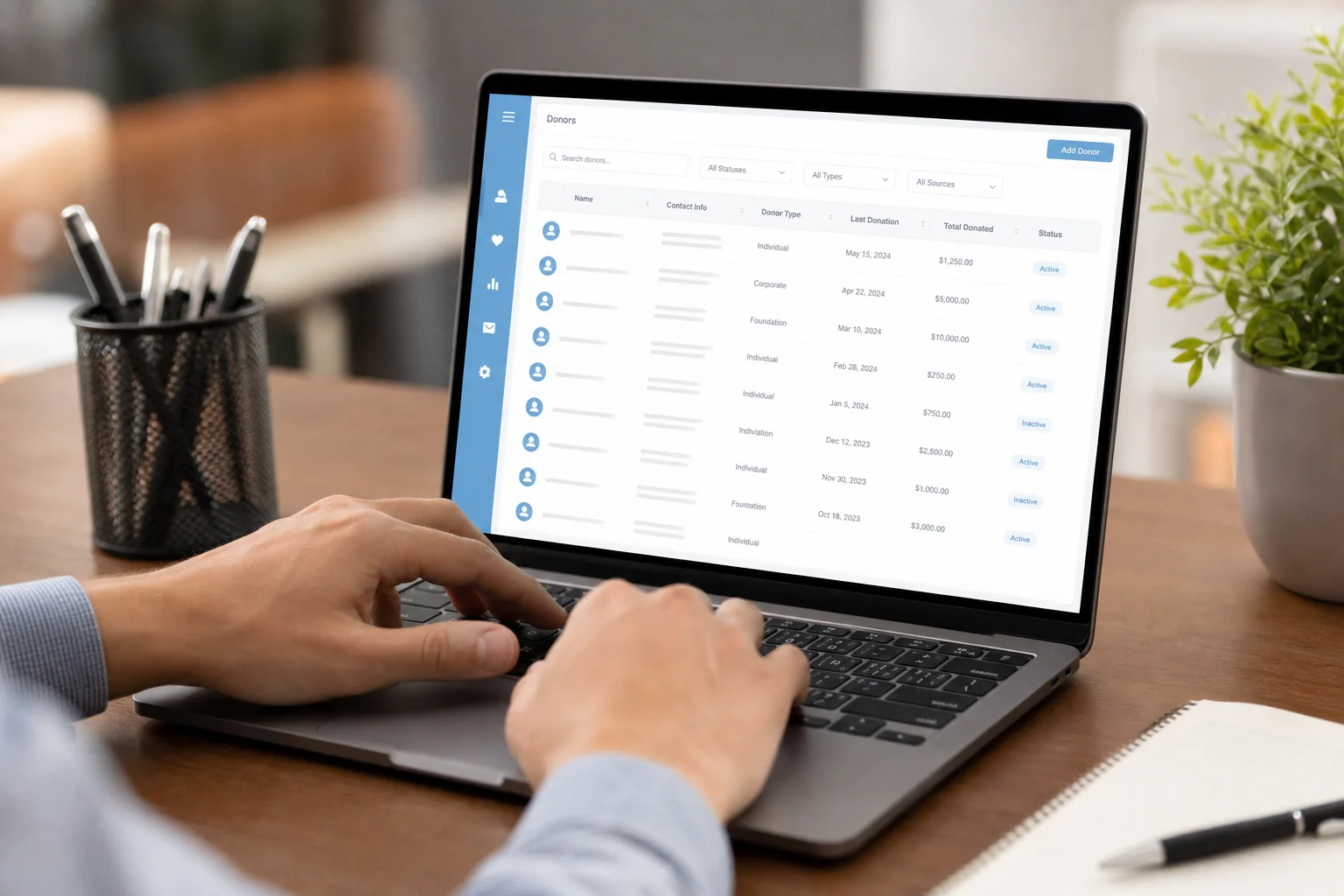
3. Choose a Single Source of Truth
Once your data is clean, you need one system that everyone trusts as the master record. For most mission-driven organizations we work with, that system is HubSpot. It’s built to unify marketing, sales/CRM, and service data in one contact timeline, and its app marketplace includes connectors for popular fundraising and giving platforms.
Instead of your fundraising platform, email tool, and CRM each holding a partial picture of a donor, HubSpot becomes the place where a development officer can see a donor’s full giving history, email engagement, event attendance, and notes from a phone call, all on one contact record.
HubSpot Integration Options Compared
There are three common ways to connect fundraising software to HubSpot, and the right one depends on your budget, technical resources, and how real-time you need the data to be.
| Integration Type | Setup Time | Cost Tier | Ongoing Maintenance | Best For |
|---|---|---|---|---|
| Native app marketplace connector | 1-2 weeks | Low | Minimal, vendor-maintained | Popular giving platforms with existing HubSpot integrations |
| Middleware / iPaaS (e.g., Zapier, Make) | 2-4 weeks | Moderate | Occasional workflow updates | Custom field mapping without full API development |
| Custom API sync | 4-8 weeks | Higher | Requires developer support | Complex stacks or platforms with no existing connector |
Most small and midsize nonprofits get the best return from a native connector or middleware setup. Custom API work makes sense when you’re syncing high transaction volume or connecting a legacy system with no marketplace presence. If you’re also comparing platforms at this stage, our breakdowns of HubSpot CRM for nonprofit donor tracking and how HubSpot stacks up against alternatives can help you decide where to put your integration budget.
4. Build Sync Rules and Workflows
Connecting two systems is only half the job. You also need rules that decide what data flows where, and automation that acts on that data once it arrives. Start with field mapping: decide which fields in your fundraising platform correspond to which properties in HubSpot, so a “major gift” tag doesn’t accidentally overwrite a “lapsed donor” flag.
From there, build workflows that put the unified data to work:
- Automatically update a donor’s lifecycle stage in HubSpot when a new gift comes in from your fundraising platform
- Flag donors as lapsed after a set number of months without a gift, triggering a re-engagement email sequence
- Sync grant deadlines and renewal dates into HubSpot tasks, so program staff never miss a reporting window
- Feed clean, unified data into a reporting dashboard your board and program officers can trust
This is where the payoff becomes visible. Once data flows automatically instead of through manual exports, your team can build accurate reporting without spending days reconciling spreadsheets. It also opens the door to more advanced segmentation, like separating major donors from general supporters for tailored cultivation strategies, or building a smoother donor acquisition workflow that doesn’t drop leads between marketing and development.
5. Plan and Budget for the Fix
Cost is usually the first question a nonprofit’s finance committee asks, so it’s worth breaking down what actually drives the price of an integration project.
- Number of systems involved: Connecting two tools costs less than connecting five.
- Data volume and quality: A database of 2,000 donors with clean data is a much smaller job than 50,000 records full of duplicates and inconsistent formatting.
- Integration complexity: Native connectors are cheaper to set up than custom API work.
- Internal capacity: Organizations with an in-house HubSpot admin can handle more of the configuration themselves, reducing agency hours needed.
- Ongoing maintenance: Budget for periodic re-audits and workflow updates, not just the initial setup.
Rather than guessing at a number, request a scoped quote based on your actual tool stack and data volume. Every organization’s mix of systems is different enough that a one-size-fits-all price tag rarely holds up. If you’re weighing whether to handle this in-house or bring in outside help, it’s worth reading through the tradeoffs in a marketing agency versus in-house team comparison before you commit staff time to a DIY integration project.
Local Considerations for Kansas City Nonprofits
Kansas City has a dense nonprofit community, and many organizations share overlapping donor pools through joint giving days and regional foundation grants. That overlap makes clean, connected data even more valuable: when your CRM and fundraising software are in sync, you can quickly pull accurate numbers for coordinated giving campaigns like Giving Tuesday KC without scrambling across systems the week before a deadline.
Working with a HubSpot-focused partner based in the region also means someone on your team understands local funder expectations and regional reporting norms, not just the software itself. That local context matters when you’re trying to move fast during a time-sensitive campaign.
Frequently Asked Questions
How long does it take to fix data silos between CRM and fundraising software?
A focused project, from audit through integration and workflow setup, typically takes 6-10 weeks for a small-to-midsize nonprofit. Larger databases with more duplicate records or more systems to connect can take longer.
Can a small nonprofit afford this kind of integration project?
Yes. Costs scale with data volume and number of systems, not necessarily with organization size. A small nonprofit running two or three tools with a modest donor list often has a faster, lower-cost path than a large organization with a decade of legacy systems.
Will we lose historical donor data during migration?
Not if the merge process is done carefully. A proper deduplication and migration plan preserves full gift history, notes, and communication records on the surviving contact record. This is exactly why a manual review step before merging matters.
How often should we re-audit our tool stack?
Plan on a light re-audit every 12 months, and a full review any time you add a new fundraising, email, or event tool to your stack. Silos tend to creep back in quietly, so a regular check keeps your CRM as the trustworthy source of truth.
If your donor data is scattered across a CRM, an email platform, and a fundraising tool that never quite talk to each other, you don’t have to untangle it alone. American Nexus Marketing helps mission-driven organizations audit their tech stack, eliminate duplicate donor records, and build HubSpot integrations that finally connect marketing, CRM, and fundraising into one reliable system. Try Nexus Marketing Agency free to see how a unified HubSpot setup could work for your organization, or schedule a discovery call to walk through your current tool stack with a HubSpot specialist. If you’re still deciding where to start, you can also request a free strategy session and get a clear, scoped plan for fixing your data silos for good.
Recommended Resources
Try Nexus Marketing Agency free
Schedule a discovery call →Request a free strategy session →