
How to Find the Best CRM Software Integrated with Mailchimp
When Your Marketing and Sales Tools Don’t Talk to Each Other, You Lose Leads
The best crm software integrated with mailchimp keeps your sales and marketing data in one connected flow — no manual exports, no missed follow-ups, no duplicate contacts.
Here are the top CRM options that integrate well with Mailchimp:
| CRM | Best For | Starting Price |
|---|---|---|
| HubSpot | All-in-one sales, marketing & support | $15/user/month |
| Zoho CRM | Omnichannel teams, free marketplace extension | $15.30/user/month |
| Pipedrive | Sales-focused small teams | $14/user/month |
| Freshsales | Deal management | $10.60/user/month |
| Salesforce | Large, complex sales orgs | Custom pricing |
| Dynamics 365 | Enterprise Microsoft users | Custom pricing |
| SuiteCRM | Open-source teams | $399 plugin (one-time) |
The core problem most small business owners run into: Mailchimp is great at sending emails, but it doesn’t know what your sales team is doing. Your CRM knows your pipeline, but it has no idea who opened last week’s newsletter. That disconnect costs you time and leads.
Marketing knows who clicked your pricing page. Sales doesn’t. Sales knows who’s ready to buy. Marketing keeps emailing them anyway.
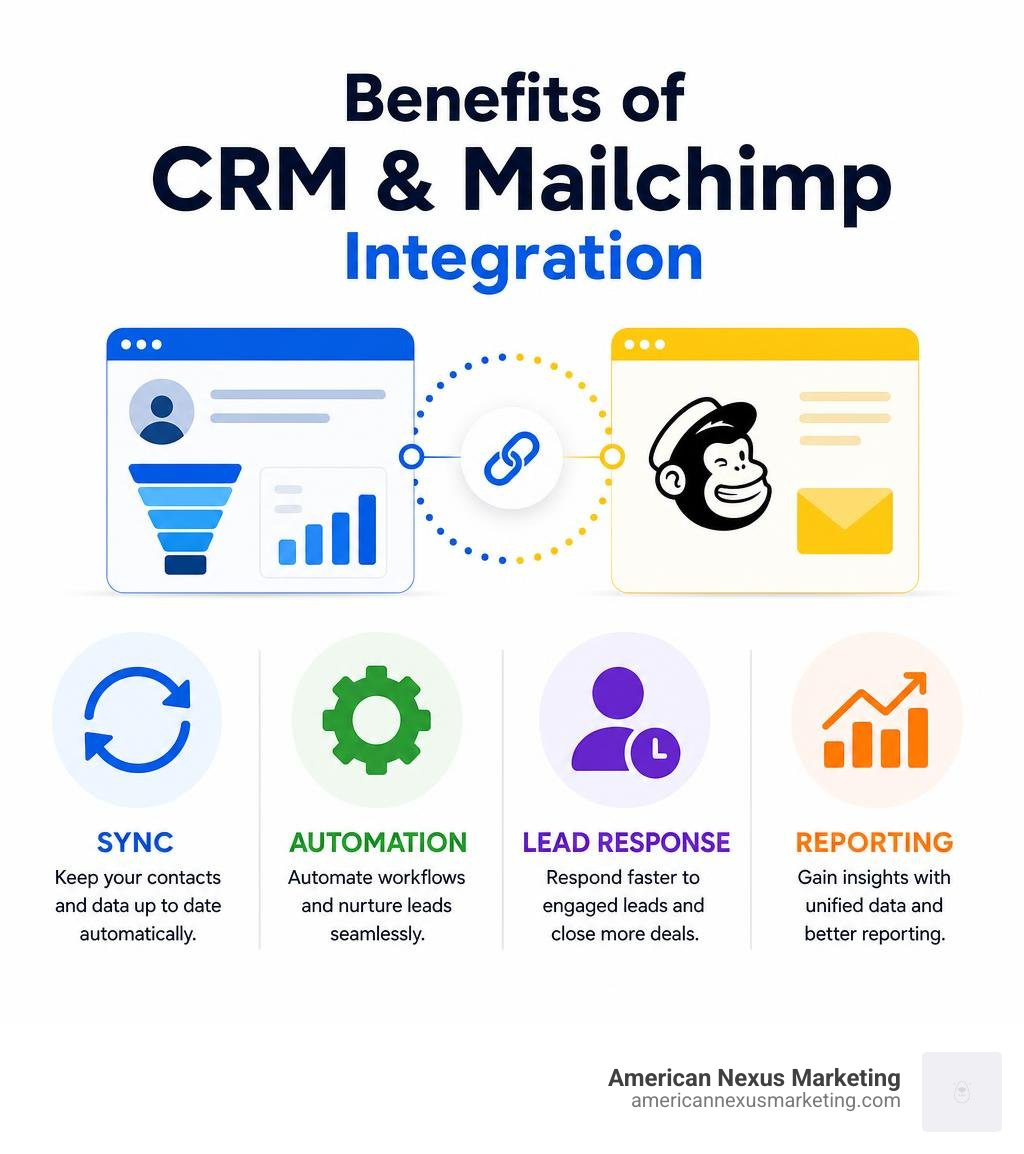
When you connect a CRM to Mailchimp, you close that gap. A prospect clicking a pricing link in your newsletter can automatically create a follow-up task for your sales rep — with an average lead response time that drops to under fifteen minutes, compared to hours or days with manual handoffs.
For simple contact management — especially if you’re a solo founder or very small B2C business — Mailchimp’s built-in audience tools may be enough. But if you have any kind of sales pipeline, a dedicated CRM integration pays for itself quickly.
Why Your Business Needs CRM Software Integrated with Mailchimp
Let’s be honest: manually exporting CSV spreadsheets from Mailchimp and importing them into your CRM is a recipe for headache. It is tedious, prone to human error, and completely unnecessary in July 2026.
When your marketing and sales tools live in isolated silos, your business suffers in three major ways:
- Missed Opportunities: The average open rate for Mailchimp emails in the software and web application industry is 21.29%, with a click rate of 2.45%. If a prospect clicks a link in your product update email, they are showing clear buying intent. If your sales team doesn’t know about that click immediately, that warm lead goes cold.
- Wasted Time: Manual syncing between marketing and sales systems wastes hours every week. Instead of building relationships or closing deals, you or your team are stuck playing data janitor.
- Inconsistent Outreach: Have you ever had a customer complain because they received a generic promotional discount email five minutes after signing a high-ticket contract with your sales rep? Without a unified view of your contacts, these embarrassing overlaps happen constantly.

Integrating your CRM with Mailchimp turns your email engagement into an active sales trigger. Instead of waiting days to follow up, the integration enables a rapid, warm handoff. When a contact interacts with your marketing campaign, the data flows directly to your CRM, prompting a quick, context-rich call. This seamless handoff reduces response times dramatically, turning passive readers into active sales conversations.
Key Features to Look For in a Mailchimp CRM Integration
Not all integrations are created equal. Some only send data one way, while others offer deep, automated synchronization. When evaluating a crm software integrated with mailchimp, keep this comparison in mind:
| Feature | Native Mailchimp CRM | Dedicated CRM Integration |
|---|---|---|
| Pipeline Management | Extremely basic or nonexistent | Full sales pipeline tracking, deal stages, and forecasting |
| Contact Syncing | Internal audience lists only | Bi-directional, real-time sync of leads and accounts |
| Task Automation | Basic email triggers | Automated task creation for reps, calendar scheduling |
| Reporting & Audit Logs | Email campaign metrics only | Full-funnel reports, history logs, and data sync audits |
| Custom Field Mapping | Limited merge tags | Detailed custom mapping for unique business data |
To choose the right tool, you must look closely at how the integration handles data flow, tracking, and compliance.
Evaluating Two-Way Sync in CRM Software Integrated with Mailchimp
The golden standard of integration is bi-directional (two-way) sync. If you edit a phone number in your CRM, it should automatically update in Mailchimp. If a subscriber updates their email address via a Mailchimp form, your CRM should update instantly.
Without smart, bi-directional syncing, you run a high risk of creating duplicate records. Look for integration tools that feature built-in duplicate prevention. These systems use smart detection logic to check existing CRM records (like email addresses or contact IDs) and update them rather than creating a second, messy record.
Furthermore, ensure the tool allows custom field mapping. You should easily be able to link CRM custom fields (such as “Lead Score” or “Account Tier”) to Mailchimp merge tags. This ensures your marketing campaigns remain hyper-targeted without manual segmentation.
Campaign Analytics and Reporting for CRM Software Integrated with Mailchimp
Your sales reps shouldn’t have to log into Mailchimp to see how a prospect is engaging with your brand. A great CRM integration brings those marketing insights directly into the customer profile.
Look for integrations that sync standard campaign analytics, such as:
- Sent, Opened, and Clicked metrics: Knowing which newsletters a contact opened gives sales reps a natural conversation starter.
- Bounced and Unsubscribed statuses: Automatically marking these in your CRM keeps your lists clean and prevents reps from wasting time on dead email addresses.
- Subscriber Dashboards: Visual dashboards inside your CRM that display overall campaign performance and individual engagement histories.
Top Integration Options and Setup Best Practices
Connecting your CRM to Mailchimp doesn’t have to be a technical nightmare. Most modern platforms offer native integrations, marketplace extensions, or simple API connections.
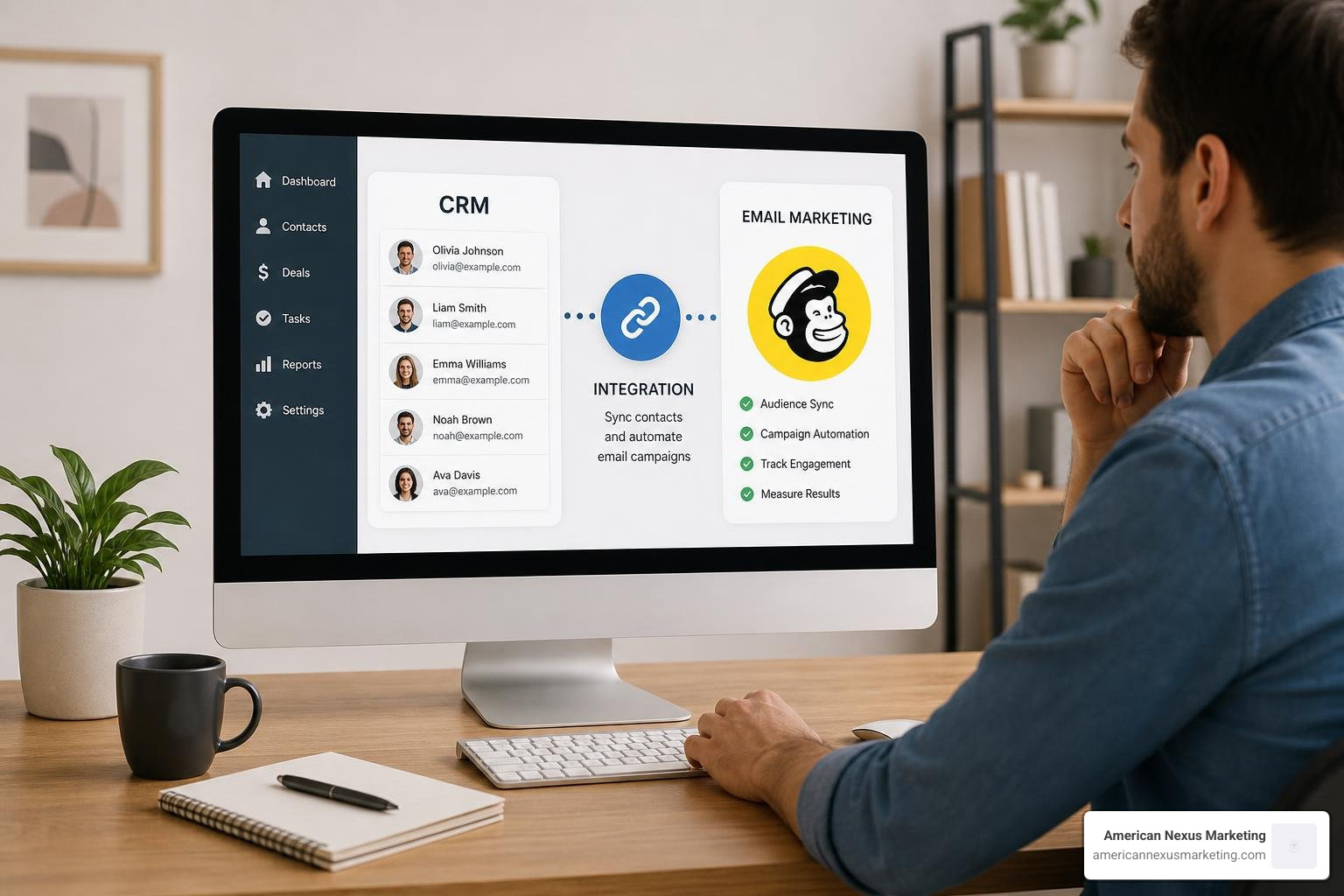
To ensure a clean setup, follow this step-by-step checklist:
- Clean Your Data First: Before syncing, delete duplicate contacts and outdated emails in both systems.
- Generate Your API Key: Log into Mailchimp, navigate to your account settings, and generate a secure API key.
- Install the Extension: Use your CRM’s marketplace to find the official Mailchimp connector.
- Map Your Fields: Carefully align your CRM fields (First Name, Last Name, Company) with Mailchimp’s merge tags.
- Set Sync Directions: Choose whether you want a one-way push (CRM to Mailchimp) or a full two-way sync.
- Run a Test Sync: Sync a small test list first to verify that tags, fields, and unsubscribes are updating correctly before syncing your entire database.
Enterprise and Open-Source CRM Connectors
For larger organizations or those using highly customizable systems, enterprise and open-source connectors offer the deepest level of control.
If your team runs on Microsoft’s ecosystem, you can leverage the MailChimp Integration with Dynamics 365 CRM – Marketing4Dynamics . This app brings your Mailchimp audiences, campaigns, and member activities directly into Dynamics 365. It uses ready-to-use Power Automate flows for a no-code setup, giving your sales reps complete visibility into campaign performance directly from their customer dashboards.
For businesses looking for open-source flexibility, the SuiteCRM AI-Powered Mailchimp Integration (Lite) – OutRight Store is an excellent solution. This plugin supports SuiteCRM versions 7 and 8, offering automated bi-directional synchronization. It features smart detection to prevent duplicate records and ensures that your critical marketing metrics sync smoothly even when upgrading your CRM version.
SaaS and Growth CRM Integrations
If you run a rapidly growing small-to-medium business, SaaS CRMs with native marketplace applications are often the most practical, cost-effective route.
Zoho users have access to excellent native tools. You can start with the free Mailchimp integration on the Zoho Marketplace to sync campaigns and subscribers. If you need more advanced, automated tracking and historical data syncing, you can upgrade to the premium Mailchimp Extension for Zoho CRM . This extension supports both one-way and two-way mapping for leads, contacts, and accounts, keeping your records perfectly aligned without manual effort.
For growing teams seeking an all-in-one experience, the Mailchimp CRM — Contact & Campaign Sync | HelloGrowthCRM connection is a fantastic option. It bridges the gap between sales and marketing data by turning passive email opens and clicks into real-time sales tasks. If a prospect clicks a key link, HelloGrowthCRM can instantly alert your team, helping you hit that fifteen-minute sweet spot for lead follow-ups.
Frequently Asked Questions about Mailchimp CRM Integrations
Can I use Mailchimp as a standalone CRM?
Yes, but only if your sales process is very simple. Mailchimp has built-in audience tools that excel at tracking contact demographics, signup sources, and basic engagement behavior. This works well for simple B2C business models, such as e-commerce stores or local services, where you primarily communicate via mass email.
However, if you are in B2B or run a sales-driven business, you will quickly hit Mailchimp’s limitations. Mailchimp lacks dedicated sales pipelines, deal tracking, task management, and phone call logging. For these workflows, you need a dedicated crm software integrated with mailchimp.
What happens when a contact unsubscribes in Mailchimp?
A reliable integration must handle unsubscribes automatically to keep you compliant with anti-spam laws like CAN-SPAM and GDPR.
When a contact clicks “unsubscribe” in a Mailchimp email, the integration should instantly update that contact’s status in your CRM. Good integrations will tag the CRM record as “Unsubscribed” or update their marketing consent status. This ensures your sales reps do not accidentally manually email them or re-add them to future marketing campaigns.
Is the data synchronization real-time or batched?
This depends on your integration settings and the CRM you choose. By default, many standard integrations run on a scheduled batch interval, typically syncing data every 15 to 30 minutes.
If your business relies on instant follow-ups, look for integrations that support webhook-based, real-time synchronization. This ensures that the moment a lead fills out a form or clicks a link, the update is pushed to your CRM instantly.
Conclusion
Finding the right crm software integrated with mailchimp is all about understanding your business size and sales complexity. If you are a solo founder or running a small, low-budget team, you don’t need a massive, overpriced enterprise tool. You need a setup that is easy to configure, keeps your data clean, and saves you precious hours of manual work.
At American Nexus Marketing, we are passionate about providing practical, jargon-free digital-marketing guidance for small U.S. businesses. Whether you are choosing your first CRM or optimizing your email campaigns, we are here to help you make smart, budget-friendly decisions.
Ready to explore your options further? Check out our complete guide on the Best All-in-One Marketing Platforms Compared to find the perfect tools to scale your business this year.
Pingback: Email Campaign Process Flow: Proven Guide
Pingback: Best Email CRM for Small Business in 2026
Pingback: Dotmailer Salesforce Integration Made Easy in 2026