

The Best Email CRM for Small Business in 2026: Quick Picks
Finding the best email CRM for small business doesn’t have to mean wading through enterprise software built for teams of 500. Here are the top picks for 2026:
| Platform | Best For | Starting Price |
|---|---|---|
| Bigin by Zoho CRM | Visual pipelines + ease of use | Free plan available |
| Streak | Gmail-native teams | Free plan available |
| Nimble | AI prospecting + email outreach | $24.90/user/month |
| EmailGreen | All-in-one on a tight budget | $19/month |
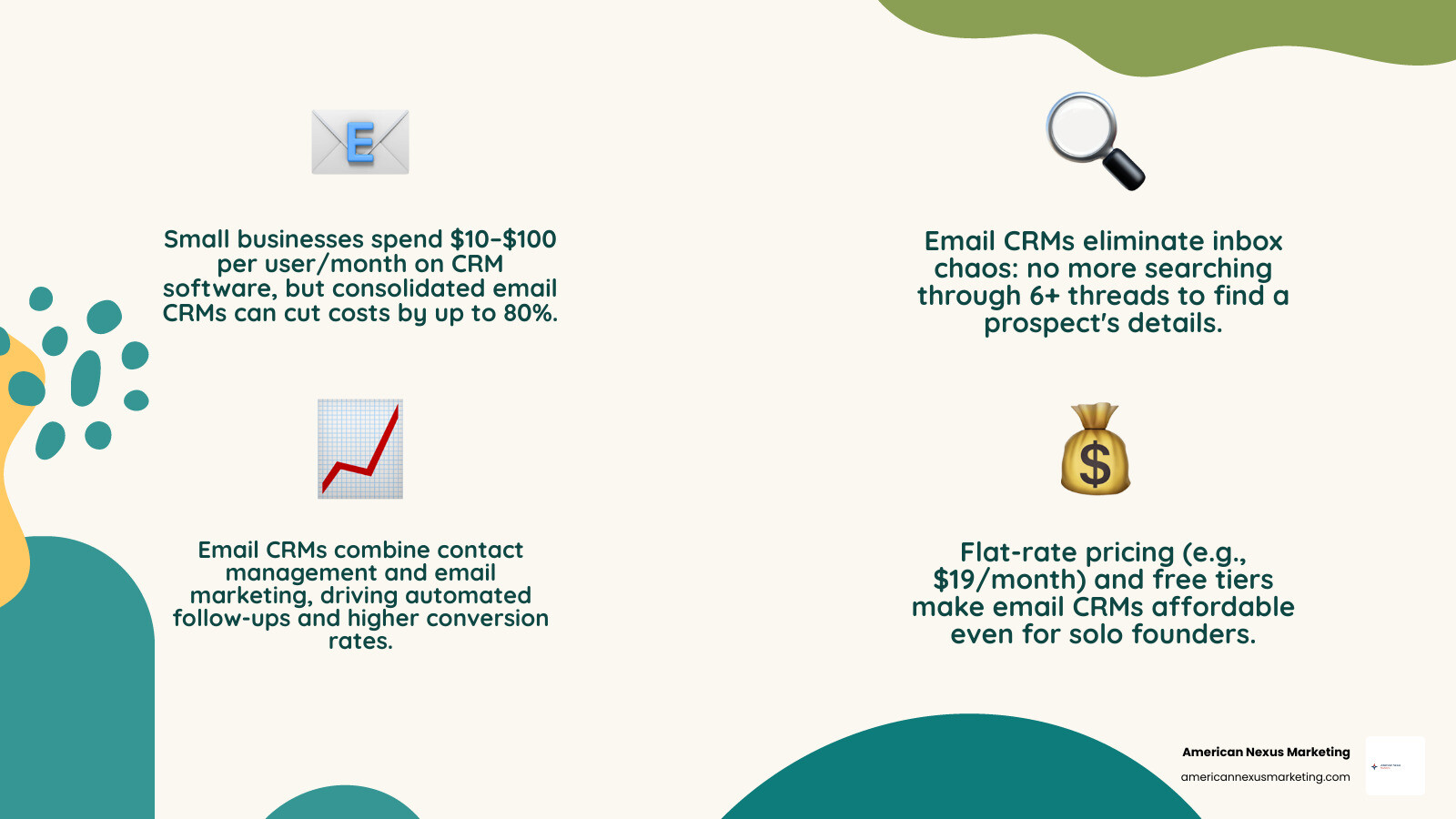
You already know the feeling. A customer emails you. You search your inbox for their name. You find six different threads, no notes, and no memory of where the deal stood. That moment — scrambling for a single email to remember a prospect’s details — is the clearest sign your business has outgrown spreadsheets and scattered inboxes.
The problem isn’t that you’re disorganized. It’s that you don’t have the right tool.
An email CRM combines contact management with email marketing in one place. Instead of paying for a separate CRM and a separate email tool, you get both working together — so your contact data actually drives your emails, and your email activity actually updates your contacts.
Small businesses typically spend anywhere from $10 to $100 per user per month on CRM software. The good news? Several platforms now offer free tiers or flat-rate pricing that make it affordable even for solo founders.
This guide cuts through the noise and compares the top options so you can pick the right one fast.
Simple best email crm for small business word guide:
Why Your Small Business Needs an Email CRM
Many small businesses start out using basic spreadsheets to keep track of their clients. It works fine when you have five clients, but once you scale to fifty or five hundred, those rows and columns turn into a digital nightmare. Misspelling a customer’s name or using the wrong title because of a copy-paste error sends a clear, unfortunate message: you are not our priority.

When we rely on separate, non-integrated tools for our sales tracking and our newsletters, we create what tech folks call “data silos.” Your email tool doesn’t know that a lead just booked a consultation, so it keeps sending them generic “buy now” emails. Meanwhile, your sales pipeline doesn’t show that a prospect has opened your last three marketing emails.
By bringing these two sides of your business together, you can design highly personalized customer relationships. For example, a local gym owner can use CRM data to email only members in a specific location about temporary renovations, or target female members for a new ladies-only class.
If you are still on the fence about connecting your communication channels, take a look at our guide on Why You Need CRM Software with Email Integration Right Now. It explains how having your inbox talk directly to your customer database saves hours of admin work.
Once your systems are integrated, you can start sending targeted campaigns that actually match where your customer is in their buying journey. For more tips on matching your tool to your communication goals, check out our resource on How to Choose the Best Email Marketing Tool for Your Small Business in 2026.
Key Features to Prioritize in the Best Email CRM for Small Business
When you are looking for the best email crm for small business, it is easy to get distracted by fancy enterprise features you will never use. For a small team or a solo founder, the best CRM is one that actually gets used, rather than sitting idle because it is too complicated.
Here are the key features we recommend prioritizing:
- Marketing Automation: Look for a system that can send automated welcome sequences when someone fills out a form on your website. This keeps your business running in the background while you focus on client work.
- Contact Segmentation: You should be able to group your contacts dynamically based on their behavior, location, or past purchases.
- AI and Automated Data Entry: One of the biggest reasons CRM implementations fail is “data entry fatigue.” Sales reps and business owners hate manually logging every email, call, and meeting. Look for a CRM that automatically syncs with your inbox to log these touchpoints for you.
- Visual Pipeline Management: A simple Kanban board (like Trello) that shows where every deal stands helps you see your sales process at a glance and prevents high-value deals from slipping through the cracks.
To make these features work for you, it helps to map out your processes before you buy. You can learn how to structure your campaigns by reading our guide on How to Create a Winning Email Campaign Process Flow.
Once you have your workflow mapped out, you can easily build automated sequences. For a step-by-step breakdown on setting up automated follow-ups, see our article on How to Build a Drip Campaign Workflow That Converts.
The Top Email CRM Platforms for Small Businesses in 2026
With so many tools on the market, finding the right fit can feel overwhelming. Below, we review four of the absolute best email CRM platforms for small businesses in 2026, highlighting their unique angles, pros, cons, and pricing structures.

Bigin by Zoho CRM: The Best Email CRM for Small Business Pipeline Management
If your business is sales-first — meaning you focus heavily on moving leads through a specific sales cycle — Bigin by Zoho CRM is an exceptional choice. Launched as a streamlined version of Zoho’s enterprise CRM, Bigin was built specifically for small businesses that don’t have dedicated IT staff to set up complex systems.
Bigin stands out for its incredibly clean, user-friendly visual pipelines. It acts as a digital whiteboard where you can drag and drop deals from “New Lead” to “Negotiation” to “Closed Won.”
Key Features:
- Multiple pipelines to track different business operations (e.g., sales, ticket management, or customer onboarding).
- Seamless integration with Zoho’s larger ecosystem if you need to scale later.
- Easy mobile app that lets you update deals on the go.
Pros:
- Extremely easy to set up with virtually zero learning curve.
- Highly flexible dashboards that can be customized to your business.
- Very budget-friendly for small teams.
Cons:
- Its email marketing capabilities are basic compared to dedicated newsletter tools unless you integrate it with Zoho Campaigns.
- Limited advanced automation rules on the lower tiers.
Streak: The Best Email CRM for Small Business Gmail Integration
For teams that practically live inside Google Workspace, Streak is a game-changer. Rather than forcing you to open a separate tab or log into another piece of software, Streak turns your actual Gmail inbox into your CRM.
Trusted by over 750,000 professionals and 4,000+ companies, Streak solves the “adoption problem” by keeping everything in your natural workflow. When you open an email from a prospect, Streak displays their pipeline stage, deal size, and team notes directly alongside the message.
Key Features:
- Automated Email Logging: Streak automatically links email threads to the correct deal pipeline, so your team always has the full context.
- Mail Merge: Send personalized bulk emails directly from your Gmail account.
- Email Tracking: See exactly when and how many times a prospect opens your email.
Pros:
- No new software to learn — it lives entirely inside Gmail via a browser extension.
- Excellent for collaborating with team members on shared email threads.
- Highly flexible; users have even used it to manage real estate listings, fundraising, and wedding invitations.
Cons:
- Only works with Gmail/Google Workspace (not compatible with Outlook or other email clients).
- Can feel slightly cluttered if your inbox is already overflowing.
Nimble: AI-Driven Contact Enrichment and Social Prospecting
If you spend a lot of time on social media platforms like LinkedIn trying to find and connect with leads, Nimble is the CRM you’ve been looking for. Nimble focuses heavily on “putting the relationships back in CRM” by automating the research process for you.
With its Prospector browser extension, Nimble allows you to hover over any contact name on LinkedIn, Twitter, or any company website, and instantly build a complete CRM profile. It pulls in their job title, company size, social profiles, and contact details without any manual copy-pasting, which users report cuts down data entry time by up to 95%.
Key Features:
- AI Prospector Tool: Instantly enrich contact data from your web browser.
- Smart Contacts App: Keeps your calendar, email, and social interactions synced in one unified profile.
- Tracked Group Messaging: Send personalized outreach campaigns to targeted segments and track performance (one customer reported achieving an 85% open rate using this feature).
Pros:
- Flat-rate pricing of $24.90/user/month makes budgeting simple.
- Incredible contact enrichment that saves hours of manual research.
- Strong integrations with both Microsoft 365 and Google Workspace.
Cons:
- Storage limits on contacts and custom fields mean you may have to upgrade or pay for add-ons if your database grows extremely large.
- The interface can take some time to master due to the sheer volume of social data it displays.
EmailGreen: Cost Consolidation for Budget-Conscious Teams
For small businesses that are tired of paying for five different software subscriptions, EmailGreen offers a refreshing, all-in-one solution. It consolidates CRM, email marketing, calendar booking, surveys, and document signing into a single platform.
According to EmailGreen, consolidating these tools can save small businesses up to 80% or more compared to paying for separate point solutions. Best of all, they offer unlimited users on all plans, which is incredibly rare in an industry where most CRMs charge a hefty fee for every single seat.
Key Features:
- All-in-One Suite: Includes contact management, drag-and-drop email templates, booking calendars, and electronic document signing.
- Campaign Optimizer: Run automated A/B tests on a small segment of your list, and the system will automatically send the winning email to the rest of your contacts.
- Signup Forms & Landing Pages: Easily capture leads on your website and funnel them directly into your CRM.
Pros:
- Unlimited users on every tier — perfect for growing teams.
- Massive cost savings by replacing multiple tools.
- Includes built-in document signing, removing the need for tools like DocuSign.
Cons:
- The user interface and templates can look a bit basic or dated compared to modern standalone tools.
- Fewer deep, niche integrations since it is designed to be an all-in-one system.
How to Choose and Budget for Your Email CRM
Choosing the best email crm for small business ultimately comes down to your primary business bottleneck. Are you struggling to track your sales conversations (sales-first), or do you need to send beautifully designed newsletter campaigns to thousands of subscribers (marketing-first)?
To avoid overpaying, keep your team size and database size in mind. Many platforms charge based on the number of contacts you store, which can cause your monthly bill to skyrocket as your list grows.
If you want to understand the hidden fees and avoid common pricing traps, take a look at our breakdown of The Real CRM Software Cost for Small Business and How to Avoid Overpaying.
If you are a solo founder or working with a tiny budget, you don’t have to break the bank to get organized. We compiled a list of excellent, budget-friendly options in our Small Team CRM Guide: Free and Cheap Tools That Actually Work.
Finally, if you already have an email marketing tool that you love, like Mailchimp, you might not need to replace it. Instead, you can find a CRM that integrates with it seamlessly. Read our guide on How to Find the Best CRM Software Integrated with Mailchimp to learn how to keep your existing tools connected.
Frequently Asked Questions about Email CRMs
Can an email CRM replace both my standalone CRM and email marketing tool?
Yes, in most cases, an email CRM can easily replace both. For a small business, using a single tool like Nimble or EmailGreen prevents you from having to sync contact lists back and forth between two different databases.
However, if you require highly advanced marketing features (like complex behavioral triggers, deep ecommerce integrations, or high-volume newsletter delivery), you might still want a dedicated email marketing tool connected to a lightweight CRM.
How do I measure the ROI of implementing an email CRM?
We recommend measuring ROI across three main categories:
- Time Saved: Calculate how many hours your team saves each week by using automated data entry and email templates instead of manual logging.
- Conversion Rates: Monitor whether your email open rates, click-through rates, and overall sales conversions improve once you start sending targeted, segmented campaigns.
- Sales Cycle Length: Track whether leads move through your pipeline faster now that you have automated follow-up reminders in place.
What are the biggest challenges when adopting an email CRM?
The absolute biggest hurdle is team adoption. If a tool is too complicated, your team will suffer from data entry fatigue and go back to using sticky notes or their personal inboxes.
To overcome this, choose a CRM that fits your existing workflow (like Streak if you use Gmail), clean your data thoroughly before importing it, and involve your team in the trial process to get their feedback before committing to a paid plan.
Conclusion
At American Nexus Marketing, we believe that small business owners shouldn’t have to struggle with bloated, expensive software just to stay organized. The best email crm for small business is the one that fits your current budget, matches your daily workflow, and requires minimal training to maintain.
Whether you choose the visual pipeline simplicity of Bigin by Zoho CRM, the inbox convenience of Streak, the AI-driven prospecting of Nimble, or the cost-saving power of EmailGreen, getting your contacts into a structured system is the best investment you can make for your business growth in 2026.
If you are ready to compare more features and find the perfect match for your marketing campaigns, check out our ultimate Best Email Marketing Software for Small Business 2026 Comparison to take the next step with confidence.